
What is AR Drawing Sketch?
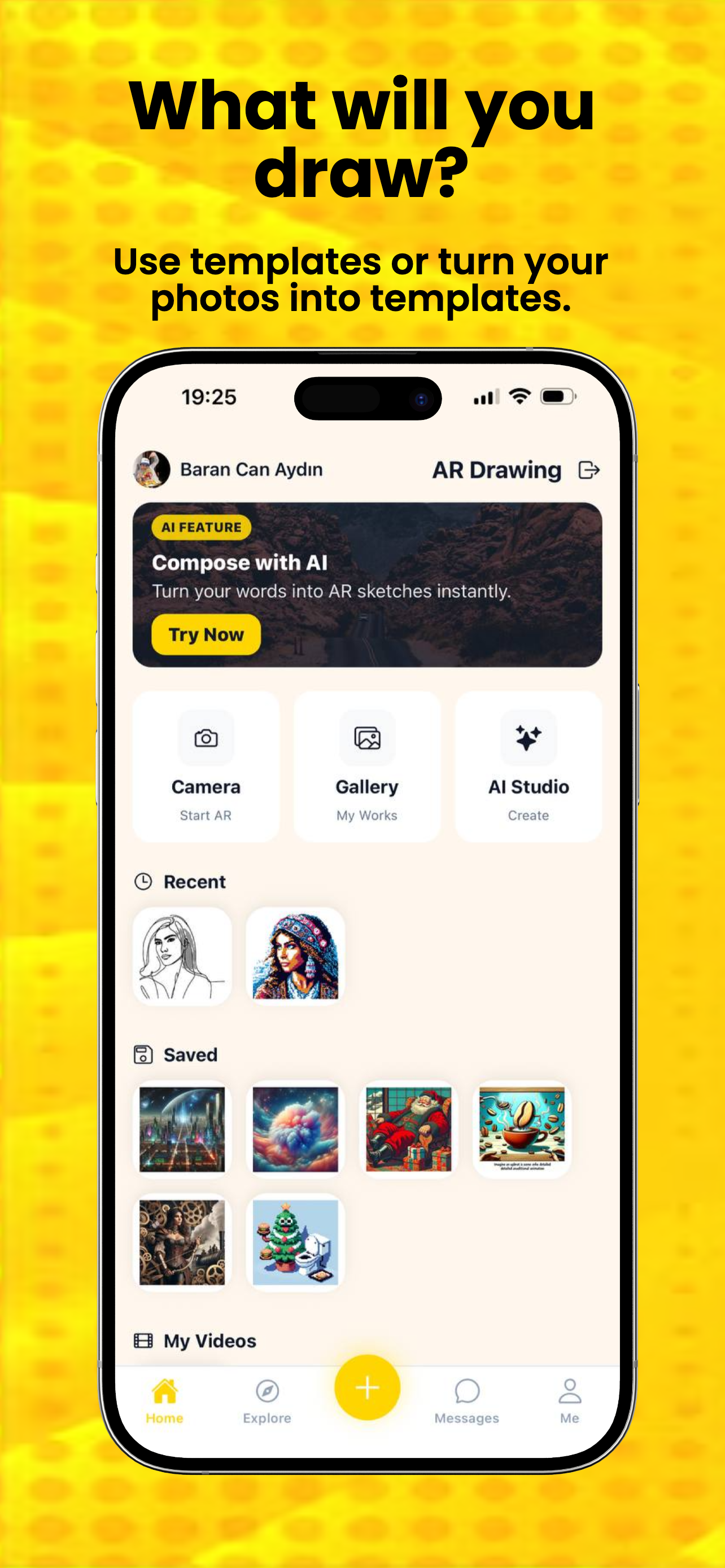
AR Drawing Sketch is a mobile app for AI drawing generation, augmented reality tracing, and wall art preview on supported devices.
The full AR Drawing suite is optimized exclusively for smartphones. Scan the codes below to bring your sketches to life with augmented reality.
This web version is for information only. Please use our mobile app for the full experience.
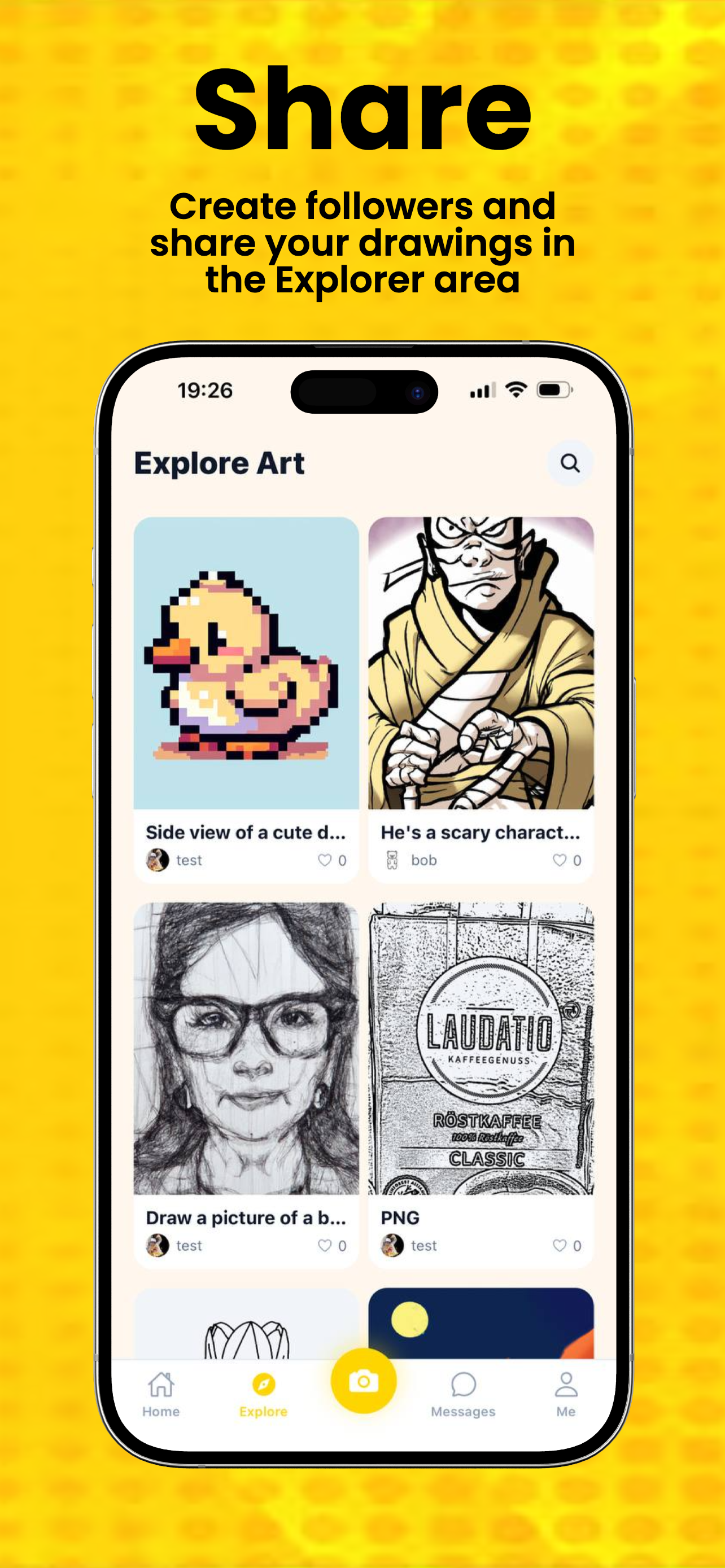
Explore Features
Open a focused page for tracing, AI image generation, or wall art preview without leaving your selected language.
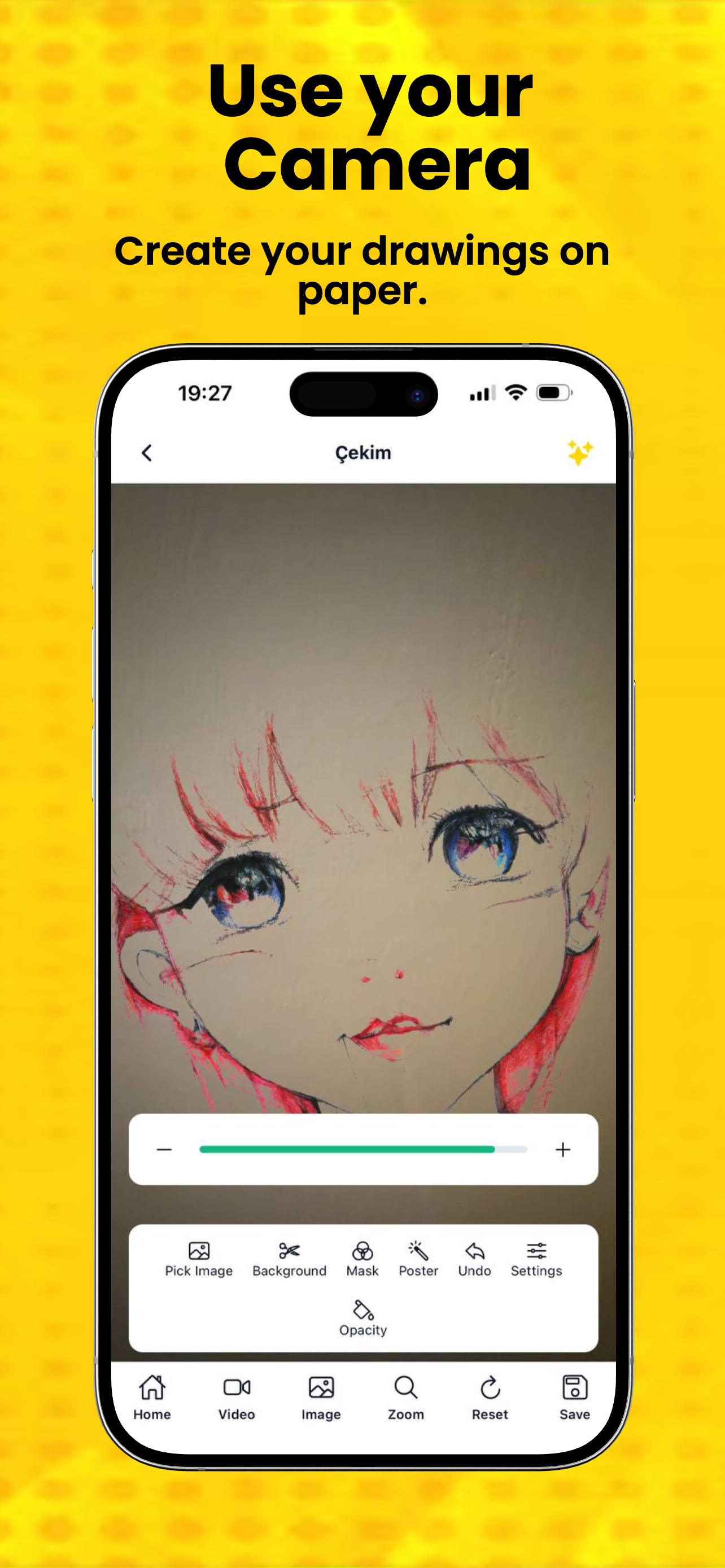
Discover an AR tracing app that helps you place reference images on your phone and practice drawing with augmented reality.
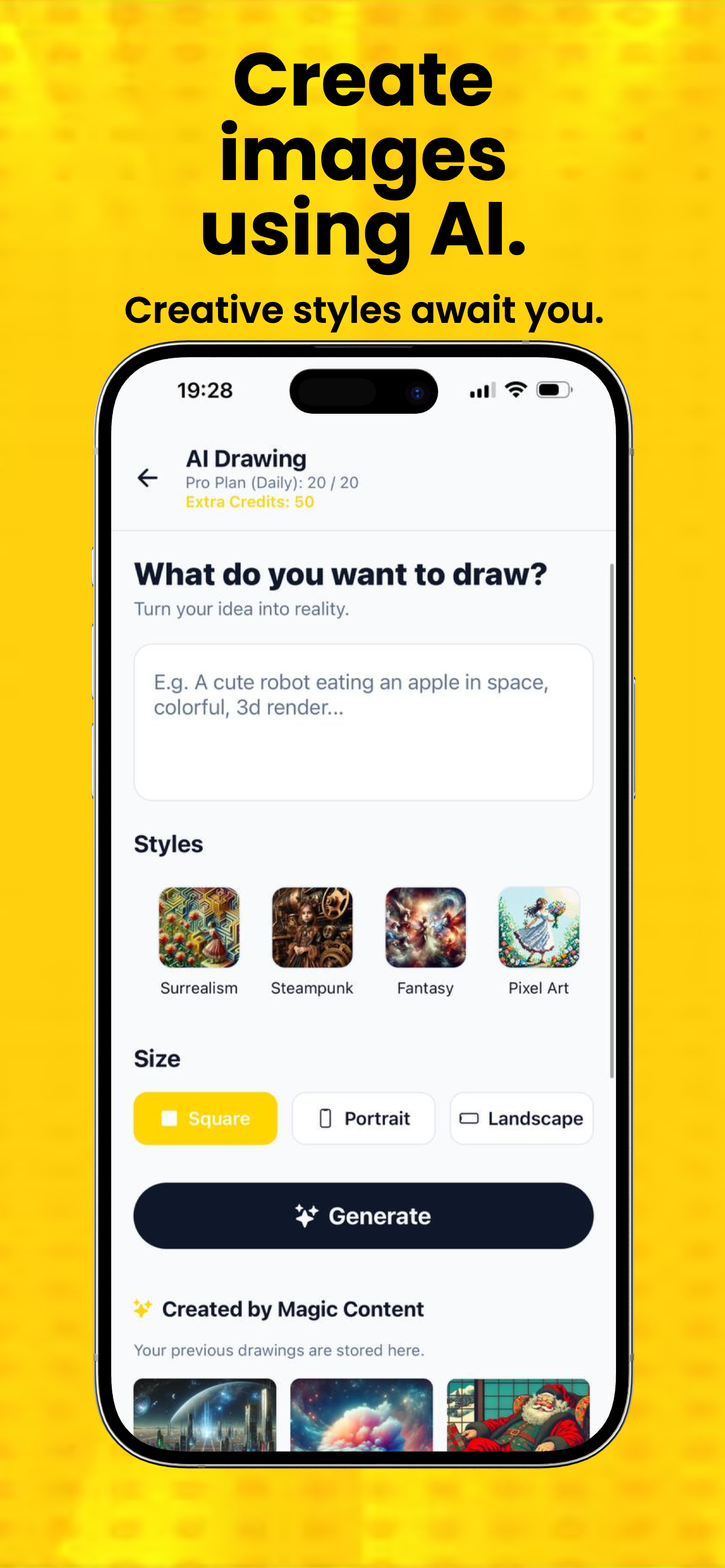
Open pageUse an AI drawing app to turn prompts into images, save your results, and reuse them for sketching and tracing practice.
Open pagePreview wall art placement with a mobile app that helps users visualize image size and position before hanging artwork.
Open pageAR Drawing Sketch helps users generate AI drawings, trace reference images in augmented reality, and preview wall art placement with LiDAR-assisted wall detection on supported devices.
Create new visuals from prompts and save them directly to your library.
Place images in AR so users can trace sketches and practice drawing on screen.
Project a selected image onto a detected wall to understand how it will look in a real space.
AR Drawing Sketch is a mobile app for AI drawing generation, augmented reality tracing, and wall art preview on supported devices.
Users place a reference image in augmented reality on their phone screen, then trace the image while viewing it over the real world.
Yes. The app includes AI drawing tools that turn prompts into images users can save, refine, and use as tracing references.
You can download AR Drawing Sketch from the Apple App Store and Google Play using the official links on ardrawingsketch.com.